
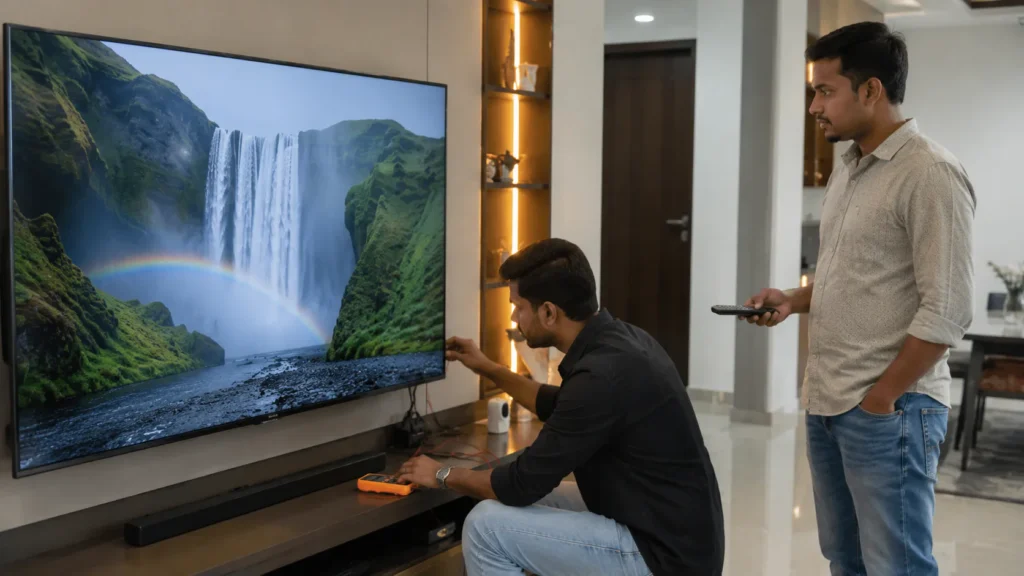
If your television picture is working normally but there is no audio and you are searching for Onida TV Sound Repair Vizag, the first step is to identify whether the problem is coming from the TV speakers, audio circuit, motherboard, software settings, HDMI source or another connected device.
A TV sound problem can appear in different ways. Some televisions become completely silent, while others develop low volume, distorted audio, crackling speakers, delayed sound or audio that cuts in and out.
Sometimes the television itself is perfectly fine and the problem comes from a set-top box, HDMI cable, Bluetooth connection or changed sound settings. In other cases, internal speaker or board-level checking may be required.
At TV Caree, we provide independent multi-brand television repair support in Vizag for LED TV, Smart TV, Android TV and large screen TV problems, including Onida TV sound, display, backlight, motherboard, power board, HDMI and Smart TV complaints.
For TV repair guidance, call 7207902424 or send your TV issue video on WhatsApp:
https://wa.me/917207902424
What Are the Common Onida TV Sound Problems?
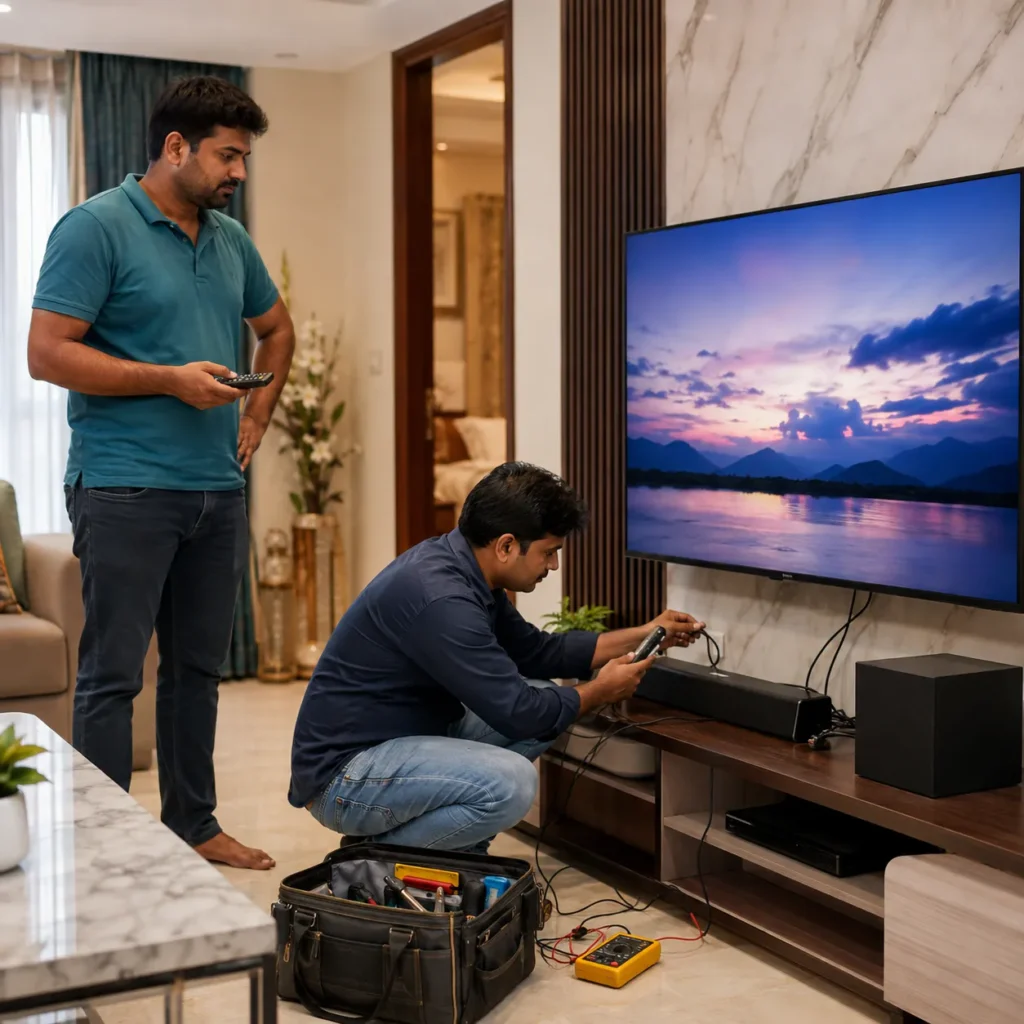
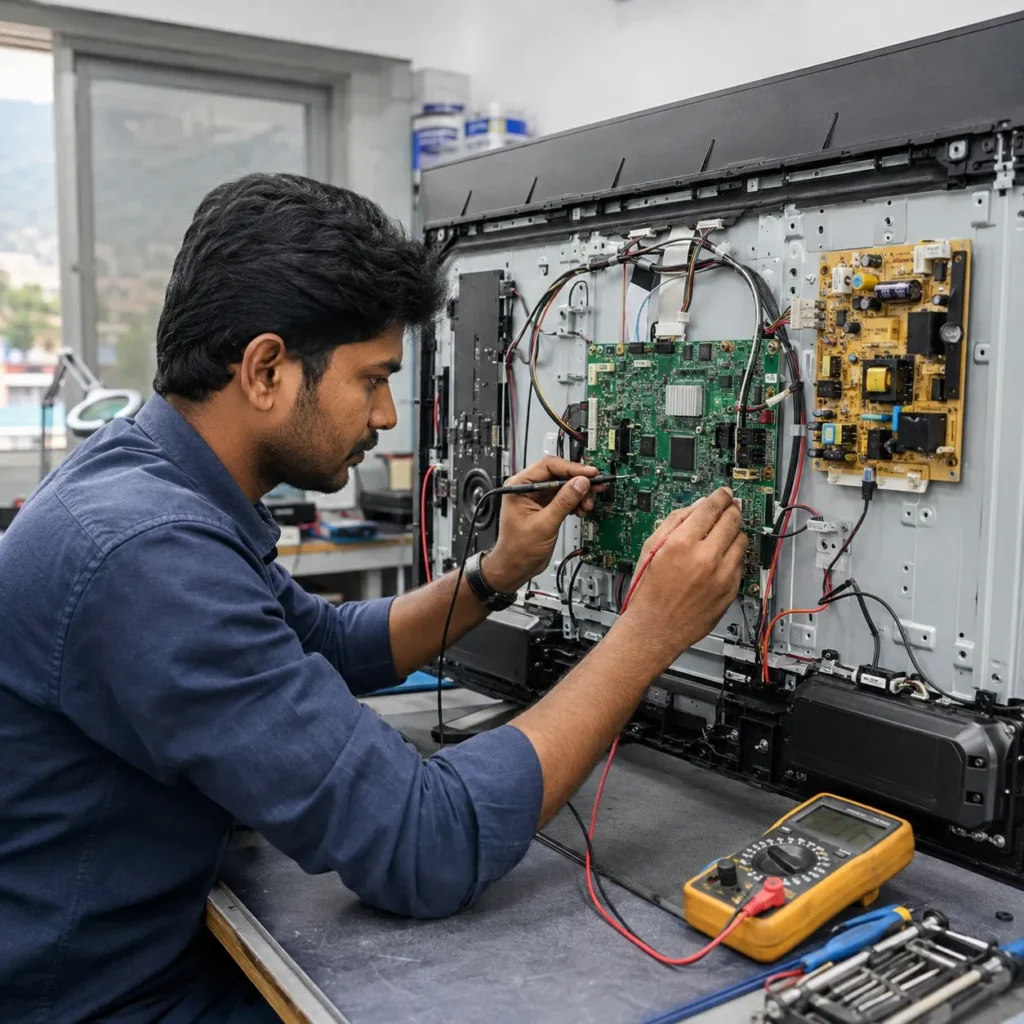
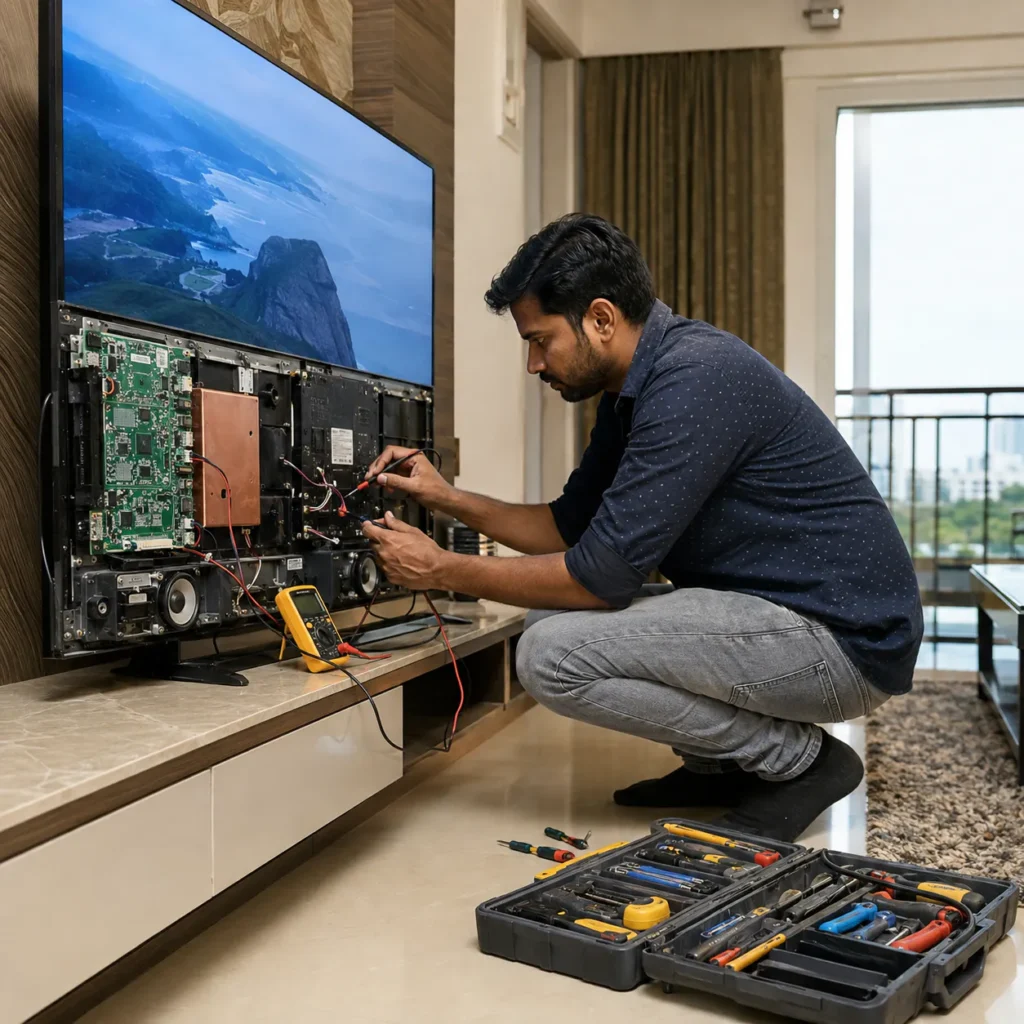
Customers looking for Onida TV Sound Repair Vizag may experience different audio symptoms.
Common complaints include:
- TV picture working but no sound
- Very low volume
- Sound available only at high volume level
- Crackling or buzzing speaker noise
- Distorted audio
- Sound cutting on and off
- One speaker working and another not working
- Audio delayed compared with picture
- HDMI picture working but no sound
- Bluetooth sound not returning to TV speakers
- Sound available in some apps but not others
- TV sound disappearing after a few minutes
The repair direction depends on the exact symptom.
That is why it is useful to test the television with more than one channel, app or input source before deciding that an internal component is damaged.
Onida TV Picture Working but No Sound
One of the most common complaints is a perfectly visible picture with no audio.
Before arranging internal repair, check some basic things.
Make sure:
- TV is not muted
- Volume is increased
- Headphones are not connected
- Bluetooth speaker is disconnected
- Correct audio output is selected
- Set-top box is not muted
- HDMI device volume is working
- Sound is missing on all channels and apps
If the picture works properly but there is still no sound from any source, the issue may need further checking.
Possible causes can include:
- Internal speaker problem
- Loose speaker connection
- Audio amplifier section fault
- Motherboard audio circuit issue
- Software or sound setting problem
- Power supply to audio section
- HDMI or source-related audio problem
Proper diagnosis is important before replacing speakers or board components.
Onida TV Speaker Problem
Television speakers can weaken or fail over time.
Common speaker-related symptoms include:
- No audio from one side
- Crackling sound
- Rattling at higher volume
- Distorted voices
- Buzzing noise
- Very low output
- Sound disappearing intermittently
Speaker damage can sometimes be confused with an audio board or motherboard problem.
For example, if an audio signal is reaching the speakers but the speaker itself is damaged, speaker replacement may be considered.
However, if neither speaker receives proper output, the technician may need to investigate the audio amplifier or motherboard section.
Customers searching for Onida TV Speaker Repair Vizag should explain whether the problem affects both speakers or only one side.
Why Does an Onida TV Speaker Make Crackling Noise?
A crackling or distorted speaker can happen for different reasons.
Possible causes include:
- Damaged speaker cone
- Loose speaker connection
- Audio amplifier problem
- Motherboard audio fault
- Excessive volume over time
- Audio source distortion
- Loose TV cabinet vibration
Before assuming the TV speaker is damaged, test another source.
For example, if the crackling happens only while watching one set-top box channel, test YouTube or another input.
If the problem occurs across all sources and volume levels, internal checking may be required.
Onida TV Low Sound Problem
Some TVs continue producing audio but the volume becomes unusually low.
You may increase the volume significantly but still find the sound weaker than before.
Possible causes may include:
- Weak speaker
- Audio settings
- Sound mode configuration
- External audio output selected
- Speaker connection issue
- Audio amplifier weakness
- Motherboard-related problem
First check the sound mode and audio output settings.
If available, switch from external or Bluetooth output back to TV speaker.
Also test multiple channels and applications.
If the sound remains consistently low, technician diagnosis can help identify whether the problem is speaker-related or board-related.
Onida TV Audio Board or Motherboard Issue
Modern televisions may not always use a completely separate audio board. In many designs, the audio processing and amplifier sections are integrated into the main motherboard or related internal circuits.
That means a sound problem can sometimes require checking:
- Main motherboard
- Audio amplifier section
- Speaker output circuit
- Internal connections
- Power supply to audio section
- Software configuration
Possible board-related sound symptoms include:
- No sound from both speakers
- Sound cutting randomly
- Audio available after restart and disappearing later
- Distortion even with good speakers
- HDMI sound problems on multiple ports
- Bluetooth or audio output problems
For Onida TV Audio Board Repair Vizag, proper diagnosis is important before deciding whether the problem needs component-level work, board repair or speaker replacement.
Onida TV Has Sound but Distorted Audio
Distorted sound can make dialogue difficult to understand.
You may hear:
- Broken voices
- Buzzing
- Vibration
- Harsh high-frequency sound
- Bass rattling
- Audio cutting
Start by reducing the volume.
If distortion happens only at very high volume, the speakers may be struggling with the output level.
If the sound remains distorted even at moderate volume, the speakers, amplifier circuit, audio settings or motherboard section may need checking.
Onida TV Sound Cuts On and Off
Intermittent audio can be more difficult to diagnose because the TV may work normally for some time.
Possible reasons include:
- Loose speaker connection
- Internal board connection
- Audio circuit overheating
- Software issue
- HDMI cable problem
- External device problem
- Motherboard fault
Record a short video when the problem happens.
Mention how long the TV normally works before the sound disappears.
These details can help explain the symptom before technician checking.
HDMI Picture but No Sound on Onida TV
Many TV sound complaints begin after connecting a set-top box, Fire TV Stick, gaming console, CCTV DVR or laptop.
If HDMI picture is visible but audio is missing, the TV may not necessarily have a speaker fault.
Try these checks:
- Restart the HDMI device
- Increase the external device volume
- Check whether the external device is muted
- Try another HDMI cable
- Try another HDMI port
- Check TV audio output settings
- Test the TV using an internal app or regular channel
If internal TV apps produce sound normally but one HDMI device does not, the issue may be related to the external source or HDMI audio configuration.
If audio is missing from every HDMI port and other sources are also affected, additional checking may be necessary.
Bluetooth Connected but TV Speakers Have No Sound
Smart TVs may send audio to Bluetooth speakers, headphones or soundbars.
Sometimes the external device gets disconnected, but the television remains configured to use an external audio output.
Check the TV audio settings and make sure the selected output is the internal TV speakers.
Also remove unused Bluetooth devices if necessary.
If sound still does not return, restart the television and test again.
Onida Smart TV App Has Picture but No Sound
Smart TV applications can occasionally have audio problems even when regular television channels work.
Before arranging repair, check:
- Whether other apps have sound
- Whether TV channels have sound
- Whether HDMI inputs have sound
- Whether the application volume is muted
- Whether Bluetooth output is active
- Whether restarting the app fixes the issue
If only one application has no sound, the television speakers are less likely to be the main cause.
If all sources are silent, internal TV sound diagnosis becomes more relevant.
Audio Delay on Onida Smart TV
Audio delay means the sound and picture are not synchronized.
You may notice dialogue playing slightly before or after the person’s mouth movement.
Possible reasons include:
- External soundbar processing
- Bluetooth audio delay
- HDMI device settings
- Smart TV processing
- Audio synchronization setting
- Software issue
If the delay appears only when using Bluetooth headphones or an external soundbar, test the internal TV speakers.
If internal TV sound is properly synchronized, the issue may come from the connected audio device.
Onida TV Sound After Software Update
Smart TVs depend on software for many audio and input functions.
If a sound problem starts immediately after a software update or system change, check:
- Audio output settings
- Sound mode
- Bluetooth connections
- HDMI device configuration
- App settings
Restarting the TV may clear a temporary software issue.
Avoid installing unofficial software or firmware because incorrect firmware can create additional television problems.
Does No Sound Mean the TV Motherboard Is Damaged?
No.
A no-sound problem does not automatically mean that the complete motherboard has failed.
Possible causes include:
- Muted TV
- Wrong audio output
- External Bluetooth device
- Set-top box issue
- HDMI configuration
- Speaker problem
- Speaker wiring
- Audio amplifier section
- Motherboard audio circuit
- Software issue
Proper checking helps identify the actual source of the problem before making a repair decision.
Onida TV Has No Sound and No Picture
If both sound and picture are missing, the problem may be broader than a simple speaker fault.
Check whether:
- Standby light is working
- TV responds to remote
- Screen lights up
- Startup logo appears
- TV produces any sound
- Power light blinks
Possible areas that may require checking include:
- Power board
- Motherboard
- Backlight
- Internal power supply
- Software boot section
If the TV appears completely dead, the problem should first be treated as a power or startup issue rather than only a sound problem.
Onida TV Sound but Black Screen
The opposite situation can also happen: sound works but the picture is missing.
This is usually a display-related complaint rather than a speaker problem.
Possible causes include:
- Backlight failure
- LED strip problem
- Display section issue
- Motherboard display signal
- Power-related issue
For more information about this problem, see our Onida TV no-display repair guide on TV Caree.
Onida LED TV Sound Repair in Vizag
An LED television combines several hardware sections to produce both picture and sound.
Sound-related checking may involve:
- Speakers
- Speaker connections
- Audio amplifier
- Main motherboard
- HDMI inputs
- Internal audio processing
- Software settings
Customers searching for Onida LED TV Sound Problem should first identify whether the issue affects every source or only one device.
That simple check can help separate external device problems from internal television faults.
Onida Smart TV Sound Repair in Vizag
Smart TVs can develop both hardware and software-related audio problems.
Common complaints include:
- Apps have no sound
- Bluetooth output stuck
- HDMI audio missing
- Sound delay
- Low TV speaker volume
- Sound cutting intermittently
- TV speaker completely silent
If possible, test:
- Regular TV channel
- Smart TV app
- HDMI device
- Internal TV speaker
- Bluetooth audio
This helps identify when and where the problem occurs.
Should You Replace TV Speakers Yourself?
Opening a modern television just to check speakers is not recommended if you do not have electronics repair experience.
The back cover may contain:
- Power board
- Motherboard
- High-voltage sections
- Fragile cables
- Speaker connectors
- Display connections
Incorrect handling can create an additional problem.
Basic external checks are safe, but internal repair should be done carefully.
What Details Should You Share Before Booking Onida TV Sound Repair?
If you need Onida TV Sound Repair Vizag, send these details:
- TV brand – Onida
- Screen size
- Model number if available
- Exact sound problem
- Whether picture is working
- Whether sound works from any source
- Short problem video
- Vizag location
- Whether external speakers are connected
- Whether HDMI or Bluetooth is being used
- When the problem started
Also mention whether the TV sound failed suddenly or became weaker gradually.
How Onida TV Sound Repair Support Works
Step 1: Explain the Audio Problem
Tell us exactly what the TV is doing.
For example:
- Picture working but no sound
- Very low sound
- Speaker crackling
- Sound cuts after 10 minutes
- HDMI has no audio
- Bluetooth sound problem
Step 2: Share TV Brand, Size and Model
TV model information helps because internal speaker and board configurations can vary between televisions.
Step 3: Send a Video
Record the television while the problem is happening.
For distorted sound, keep the phone close enough to capture the noise clearly.
Step 4: Share Your Vizag Location
Send your area, nearby landmark or location details.
Step 5: Get Repair Guidance
After understanding the symptoms, the possible repair direction can be discussed.
Final confirmation depends on proper checking of the television.
Onida TV Sound Repair Cost in Vizag
The repair cost depends on what is actually causing the audio problem.
Factors can include:
- TV model
- Screen size
- Speaker condition
- Speaker replacement requirement
- Audio amplifier issue
- Motherboard problem
- Internal connection fault
- Component-level repair
- Spare part requirement
- Repair complexity
Two TVs with no sound may need completely different repairs.
One may only have a speaker issue, while another may have a motherboard or audio circuit fault.
That is why proper diagnosis should come before confirming the repair cost.
Simple Checks Before Calling a Technician
Before arranging internal TV sound repair, try these basic checks:
- Increase volume
- Remove mute
- Restart television
- Restart set-top box
- Test another channel
- Open another Smart TV app
- Disconnect Bluetooth devices
- Select TV speaker as audio output
- Try another HDMI cable
- Test another HDMI input
If none of these steps restore the sound, technician checking may be required.
When Should You Stop Using the TV?
Disconnect the television if:
- Burning smell is present
- Speaker produces strong electrical buzzing
- TV repeatedly restarts
- Smoke appears
- Power section makes unusual clicking noises
- Water entered the television
Do not repeatedly switch on a TV showing serious electrical symptoms.
Onida TV Repair Areas in Vizag
TV Caree provides independent multi-brand TV repair support across several Visakhapatnam areas, including:
- Seethammadhara
- MVP Colony
- Madhurawada
- Gajuwaka
- Akkayyapalem
- Dwaraka Nagar
- Maddilapalem
- PM Palem
- Kommadi
- Yendada
- Rushikonda
- NAD
- Gopalapatnam
- Marripalem
- Simhachalam
- Other nearby Vizag locations
Share your exact location when contacting us for service guidance.
Why Choose TV Caree for Onida TV Sound Repair?
TV Caree focuses on understanding the actual television symptom before deciding which component needs repair.
Support includes:
- Independent multi-brand TV repair
- Onida LED TV sound issue checking
- Smart TV sound problem support
- Speaker issue diagnosis
- Audio circuit and motherboard checking
- Low sound complaints
- Distorted speaker audio
- HDMI audio problems
- Bluetooth audio issues
- Display and backlight problems
- Power board and motherboard faults
- WhatsApp issue video guidance
The goal is to identify whether the problem comes from the speaker, settings, external device, audio circuit or another TV section before making the repair decision.
Internal Links
TV Caree – Multi-Brand TV Repair in Vizag:
https://www.tvcaree.in/
Onida TV No Display Repair Vizag:
https://www.tvcaree.in/onida-tv-no-display-repair-vizag/
TV Repair Vizag – TV Issue Repair Guide:
https://www.tvrepairsvizag.in/
Doorstep TV Repair Vizag:
https://www.tvrepairsvizag.in/doorstep-tv-repair-vizag/
TV Repair Near Me Vizag:
https://www.tvrepairsvizag.in/tv-repair-near-me-vizag/
Smart TV Repair in Vizag:
https://www.tvrepairsvizag.in/smart-tv-repair-in-vizag/
External Links
Bureau of Indian Standards:
https://www.bis.gov.in/
National Consumer Helpline:
https://consumerhelpline.gov.in/
FAQs About Onida TV Sound Repair Vizag
1. Why does my Onida TV have picture but no sound?
The problem may be related to mute or audio settings, external audio output, speakers, speaker connections, audio amplifier section, motherboard or HDMI source. Proper checking is needed to confirm the cause.
2. Can damaged Onida TV speakers be replaced?
Depending on the TV model and speaker condition, damaged internal speakers may be replaceable. The speaker and audio output should first be checked to confirm the actual fault.
3. Why is my Onida TV speaker making crackling noise?
Crackling can happen because of a damaged speaker, loose connection, audio amplifier problem, motherboard issue or distorted source audio.
4. Why is the sound very low on my Onida TV?
Low sound may be caused by sound settings, wrong audio output, weak speakers, speaker connections or an internal audio circuit problem.
5. Does no sound mean the Onida TV motherboard is damaged?
No. A no-sound problem can also come from settings, Bluetooth output, speakers, external devices, HDMI configuration or speaker connections. The motherboard is only one possible cause.
6. Why does HDMI have picture but no sound?
The issue may come from the external device, HDMI cable, audio settings, input configuration, HDMI port or TV motherboard. Test another source and HDMI cable first.
7. Why does my Onida TV sound work and then suddenly stop?
Intermittent sound may be related to loose connections, speaker problems, software issues, overheating audio circuits, HDMI devices or motherboard faults.
8. What should I send before booking Onida TV sound repair?
Share your Onida TV screen size, model number if available, exact audio problem, short video, connected devices and Vizag location.
9. Can Onida TV sound repair cost be confirmed by phone?
The final cost depends on whether the issue is related to speakers, connections, audio circuit, motherboard, software or other components. Proper checking provides a clearer estimate.
10. Is TV Caree an authorized Onida service center?
No. TV Caree provides independent multi-brand TV repair support and does not claim to be an official authorized Onida service center.
Final Words
If your television picture works normally but there is no audio, low volume, crackling sound, distorted speakers, HDMI audio failure or another sound problem and you are searching for Onida TV Sound Repair Vizag, first check the basic audio settings and connected devices before assuming that the speaker or motherboard has failed.
A no-sound complaint can come from several areas, including speakers, audio output settings, HDMI devices, internal connections, audio amplifier circuits and motherboard sections. Proper diagnosis helps avoid unnecessary component replacement.
Call: 7207902424
WhatsApp: https://wa.me/917207902424
Website: https://www.tvcaree.in/
Conclusion
For customers looking for Onida TV Sound Repair Vizag, identifying exactly when the sound problem occurs is the most useful first step.
Test the TV with different channels, Smart TV apps and HDMI sources. Check whether Bluetooth or another audio output is active. If the TV remains silent or produces low, distorted or intermittent sound across every source, internal speaker or audio circuit checking may be required.
TV Caree provides independent multi-brand support for Onida LED TV and Smart TV issues, including speaker problems, audio board or motherboard symptoms, black screen, backlight failure, no power, HDMI faults and Smart TV problems across Vizag.
For Onida TV sound repair guidance, call 7207902424 or send your TV issue video on WhatsApp:
https://wa.me/917207902424