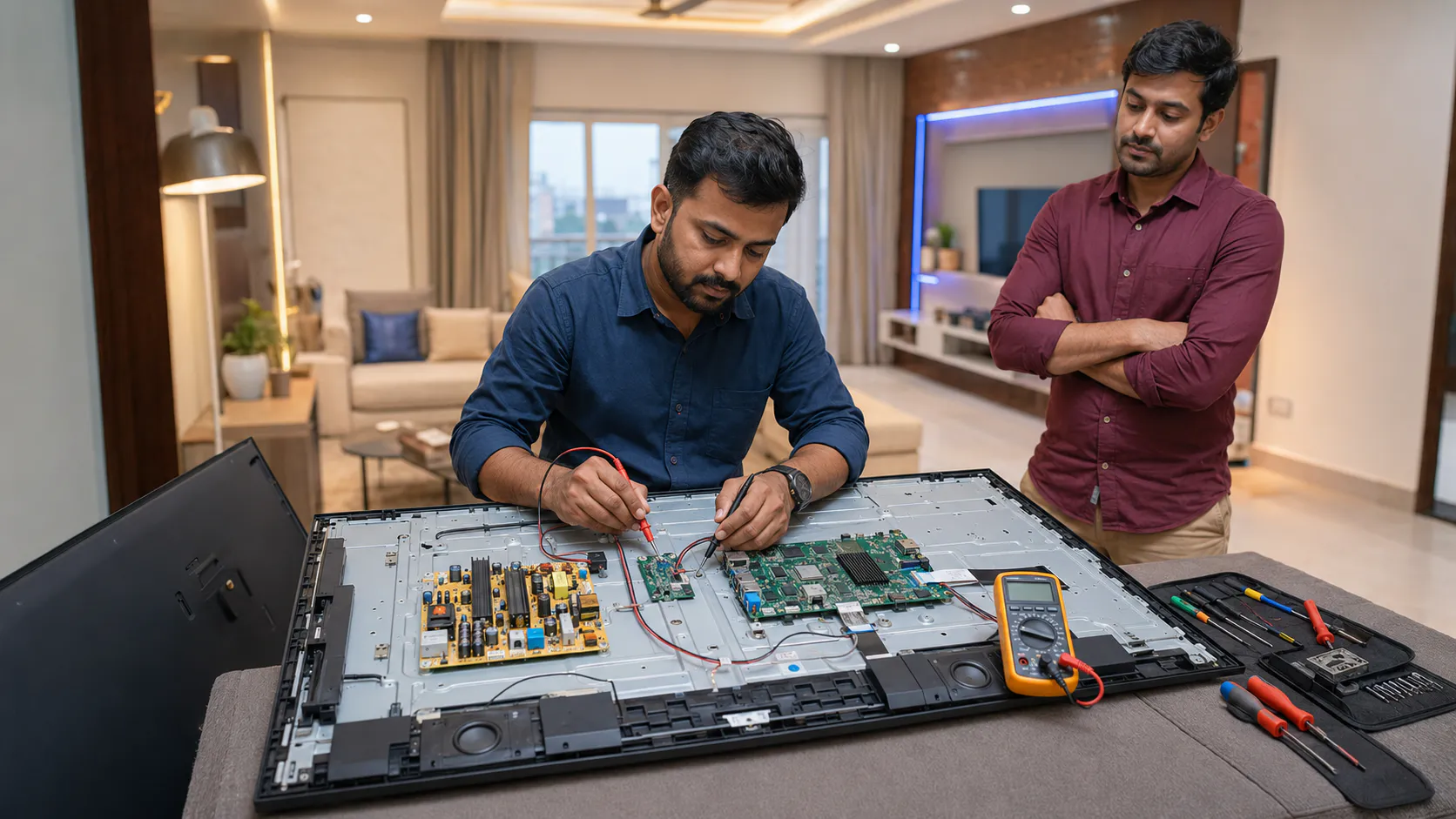
Facing Realme TV screen flickering, black screen, no sound, WiFi problem, apps not opening, stuck logo, not turning ON, backlight failure, motherboard issue, power board fault or HDMI no signal? TVcaree provides clear diagnosis and independent Realme TV repair guidance for customers across Vizag.
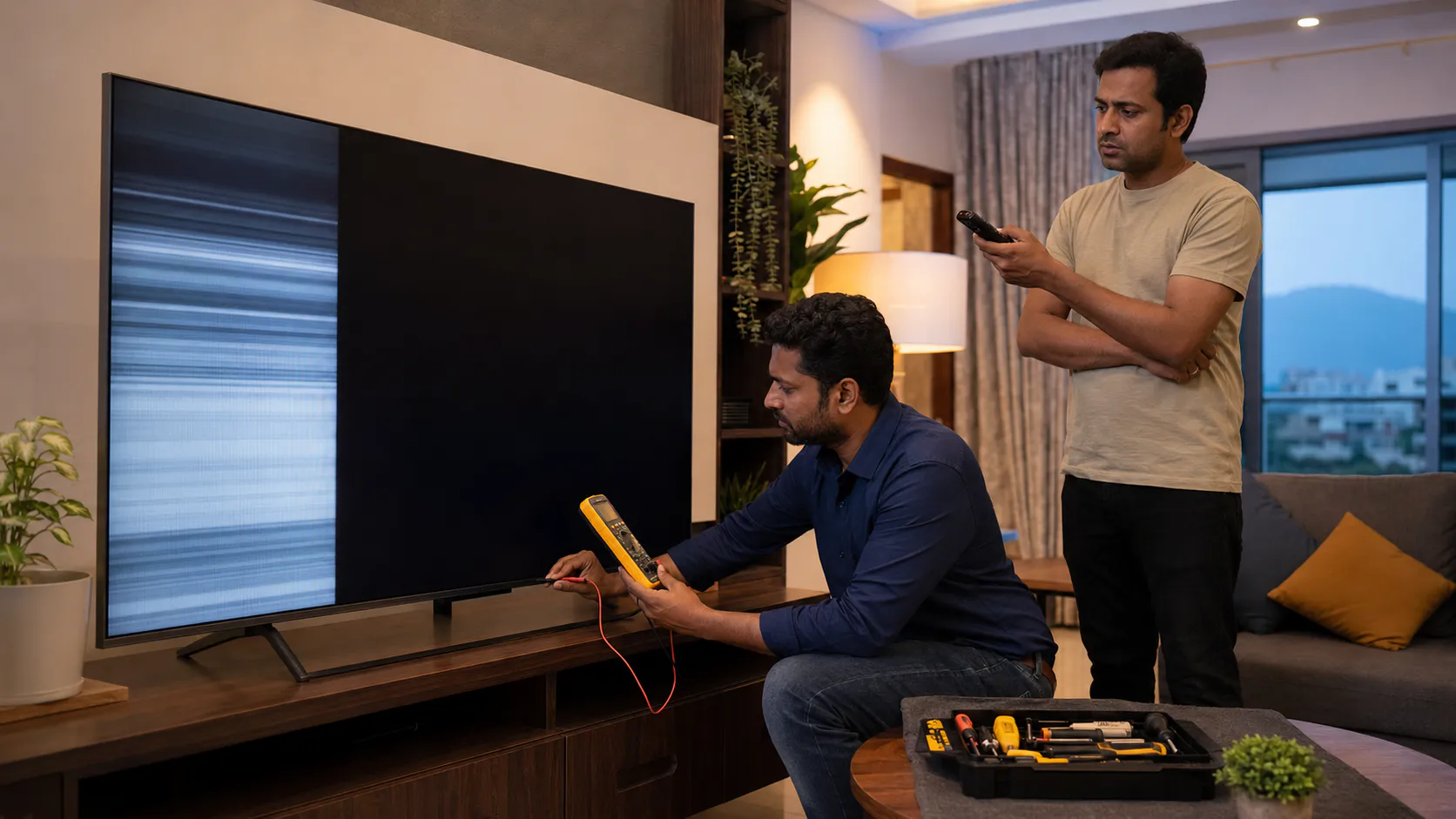
Realme Smart TV problems can look simple from outside, but the actual fault may be inside the display section, backlight, motherboard, power board, WiFi module, HDMI section or software. TVcaree checks the symptom first and then guides the correct repair direction.
A Realme TV black screen is not always a panel problem. Screen flickering is not always display damage. Apps not opening is not always only software. Proper checking helps avoid wrong repair decisions.
We check Realme TV screen flickering, vertical lines, horizontal lines, half display, blinking screen, dim picture and black screen symptoms.
If sound comes but picture is not visible, the issue may be related to backlight strips, backlight driver, power output, T-Con or panel signal.
Realme TV not turning ON, restart loop, stuck logo, HDMI no signal and dead TV conditions may need power board and motherboard diagnosis.
Apps not opening, WiFi not connecting, slow TV, update problem, Play Store issue and stuck logo need software and board response checking.
Send your Realme TV model number, screen size, area and a clear issue photo or video. TVcaree will guide the next step based on the exact symptom.
Realme Smart TVs can face display, software, WiFi, apps, sound, power, motherboard and HDMI issues. TVcaree checks the exact symptom and guides the suitable repair direction for Realme TV customers across Vizag.
Flickering screen, blinking display, brightness changing, lines appearing or unstable picture may need display, backlight, T-Con or motherboard signal checking.
If the TV has sound but no picture, or the screen becomes fully black, the issue may be linked to backlight, power output, T-Con, panel or motherboard.
No power, no standby light, red light blinking, dead TV or TV turning ON/OFF may need power board, standby circuit and motherboard diagnosis.
YouTube, OTT apps, Play Store, app loading errors and slow app response may happen due to software, storage, update or motherboard response issue.
WiFi not connecting, network dropping, connected but no internet or weak signal can be related to settings, router, software or WiFi module response.
If Realme TV is stuck on startup logo, keeps restarting or does not open home screen, software boot, memory or motherboard section may need checking.
No sound, low sound, distorted audio or speaker cracking may need speaker, audio circuit, settings, HDMI audio and motherboard audio section diagnosis.
Set-top box, laptop, gaming device or HDMI input not detecting may be caused by HDMI cable, input setting, port damage or motherboard HDMI section fault.
For example, Realme TV black screen can happen because of backlight failure, power board issue, T-Con board, motherboard display output, panel condition or software/input problem. That is why TVcaree focuses on diagnosis first.
Send your Realme TV model, screen size, area and issue photo or video. TVcaree will guide you based on the exact symptom.
TVcaree provides independent Realme TV repair support for display, backlight, software, WiFi, apps, motherboard, power board, sound and HDMI problems. Every service starts with clear issue checking and proper repair direction.
For screen flickering, display lines, half display, black patches, blinking screen and picture-related Realme TV problems.
If your Realme TV has sound but no picture, dim screen or picture visible only with torchlight, backlight section may need checking.
For apps not opening, Play Store issue, update failure, slow TV response, stuck logo and restart loop problems.
WiFi not connecting, network dropping, connected but no internet and Smart TV internet issues need software and WiFi module response checking.
Motherboard faults can cause startup failure, stuck logo, HDMI no signal, display signal issue, sound problem and Smart TV response issues.
No power, dead TV, red light blinking, TV turning ON/OFF and standby issues may be linked to power board or motherboard sections.
Realme TVs are mostly Smart TVs, so many issues can be linked with both hardware and software. For example, stuck logo may be software, memory or motherboard. Black screen may be backlight, T-Con, motherboard or panel condition. Diagnosis helps select the correct repair path.
Send TV model, size, area and issue photo or video on WhatsApp.
Display, software, WiFi, power, board and HDMI sections are checked.
You get clear explanation about the issue and suitable repair direction.
Share your Realme TV issue with model number and screen size. TVcaree will guide you with the next repair step clearly.
Realme TV repair should start with proper checking, especially because Smart TV issues can be connected to both hardware and software. TVcaree follows a clear process to find the possible fault section and explain the repair direction.
First, we collect your Realme TV screen size, model number, area in Vizag and exact issue details. You can also send a clear issue photo or short video on WhatsApp.
We check whether the issue is screen flickering, black screen, no power, apps not opening, WiFi problem, stuck logo, no sound, HDMI no signal or restart loop.
Share your Realme TV model number, screen size, area and issue video. TVcaree will guide the next step clearly.
Realme TVs are commonly used as Smart TVs for OTT apps, WiFi streaming, YouTube, set-top box, HDMI devices and home entertainment. TVcaree provides independent repair support for Realme LED, Smart TV, Android TV, 4K TV and different screen size problems in Vizag.
Whether your Realme TV has screen flickering, black screen, no power, apps problem, WiFi issue, stuck logo, HDMI no signal or sound issue, checking starts from the model type.
Repair direction may change based on screen size, model series, spare availability, display type and exact fault section. Share your model number for better guidance.
Check the sticker behind your TV and send the model number, screen size, issue photo or video. This helps TVcaree guide the repair direction more clearly.
Searching for Realme TV repair near me in Vizag? TVcaree provides independent Realme TV repair guidance for screen flickering, black screen, WiFi issue, apps problem, stuck logo, motherboard fault, power board issue and HDMI no signal across major Visakhapatnam areas.
TVcaree is located in Vizag and provides independent multi-brand TV repair support for Realme TV customers across nearby and major city areas.
If your Realme TV has display flickering, black screen, no power, no sound, WiFi problem, apps issue or stuck logo, contact TVcaree from your nearby Vizag area.
This page is built to cover high-intent local searches from Realme TV customers in Vizag.
Send your location, Realme TV model number, screen size and issue photo or video. TVcaree will guide the next repair step clearly.
Realme TVs are mostly Smart TVs, so many issues can be connected with both hardware and software. Screen flickering, black screen, apps not opening, WiFi problem, stuck logo and restart loop should be checked properly before repair. TVcaree focuses on clear diagnosis, simple communication and practical repair direction for Realme TV customers in Vizag.
We check Realme TV problems like apps not opening, WiFi issue, stuck logo, software failure, slow response and restart loop with proper fault direction.
Screen flickering, black screen, dim display, sound but no picture and display lines are checked through display, backlight, T-Con and board sections.
TVcaree provides independent multi-brand TV repair support for Realme TVs without claiming authorized or official service status.
After checking, customers get a simple explanation about whether the issue is from software, backlight, power board, motherboard, HDMI, speaker or display section.
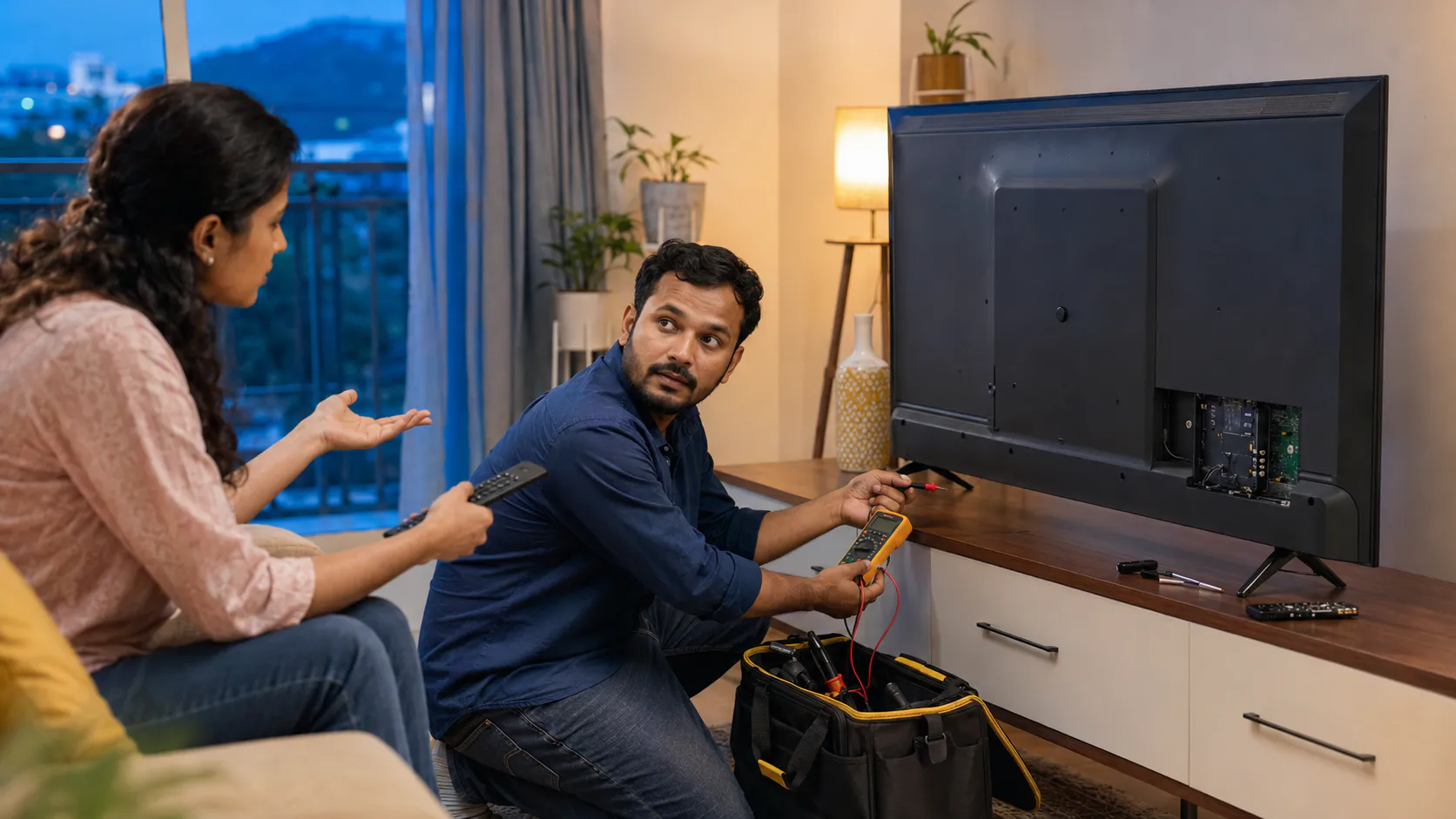
Share model number, screen size, area and a clear issue photo or video for better repair guidance.
Call TVcaree or send your Realme TV issue on WhatsApp. We will guide the next step based on your TV problem.
Realme TV repair cost should be confirmed only after understanding the problem. Screen flickering, black screen, WiFi issue, apps problem, stuck logo, no power, motherboard fault and backlight issue all need different repair directions.
Display flickering, black screen, apps not opening, WiFi not connecting, stuck logo, no sound and no power issues have different repair requirements.
Realme 32 inch, 43 inch, 50 inch, 55 inch and larger TVs may need different spare parts, backlight sets, boards and repair effort.
Some Realme Smart TV issues are software-related, while some are connected to motherboard, storage, WiFi module, display or power board sections.
Sound but no picture, dim display, flickering screen and black screen can be linked to backlight, T-Con, motherboard signal or panel condition.
Motherboard, power board, T-Con board, audio section and HDMI section faults need proper diagnosis before confirming repair or replacement direction.
Some model-specific Realme TV boards, backlight parts or panel-related parts may need availability checking before final repair guidance.
Realme TV black screen may be caused by backlight failure, T-Con issue, power board output, motherboard display signal or panel condition. Apps and WiFi issues may also be software or board-related. That is why proper checking is important before cost guidance.
Send your Realme TV model number, screen size, area and issue photo or video. TVcaree will guide you based on the actual symptom.
Realme TV customers usually contact TVcaree when the problem is confusing: screen flickering, black screen, apps not opening, WiFi not connecting, stuck logo, no power, no sound or HDMI no signal. Our focus is to check the exact fault section and give practical repair guidance.
We understand whether the issue is display, software, WiFi, app, power or board related.
Display, backlight, motherboard, power board, HDMI, sound and software sections are checked.
Customers get simple guidance about the possible issue and next repair direction.
TVcaree supports Realme TV customers across major Vizag areas with local repair guidance.
These are common Realme TV issue situations customers may face. The exact repair depends on diagnosis, model number, screen size, fault section and spare availability.
Customer may see blinking display, brightness variation, screen lines or unstable picture. In this case, display panel, backlight, T-Con board and motherboard signal need checking.
Apps not loading, Play Store issue, slow response or update failure may be connected to software, storage, network settings or motherboard response.
WiFi not connecting, network dropping or connected but no internet can happen due to router settings, software issue, WiFi module response or motherboard section.
No standby light, red light blinking or dead TV condition can be linked to power board, standby circuit, motherboard or internal protection fault.
Share your Realme TV model number, screen size, area and issue photo or video. TVcaree will guide you based on the exact symptom.
Realme Smart TV problems can be related to display, backlight, software, apps, WiFi, motherboard, power board, HDMI or sound section. These FAQs help customers understand common Realme TV repair doubts before contacting TVcaree.
Send your Realme TV model number, screen size, area and issue photo or video on WhatsApp. TVcaree will guide you based on the exact symptom.
If your Realme TV has screen flickering, black screen, no power, apps not opening, WiFi problem, stuck logo, restart loop, no sound, HDMI no signal, backlight failure, motherboard fault or power board issue, TVcaree can guide you with proper diagnosis and independent repair direction.
Send model number, screen size, area and a clear photo or video of the issue for better guidance.

TVcaree is your trusted destination for LED, QLED, and Smart TV repairs. We provide fast, affordable, and professional service using genuine parts and proven repair methods for lasting performance.
© Copyright 2024 Tv caree - All Rights Reserved.
WhatsApp us