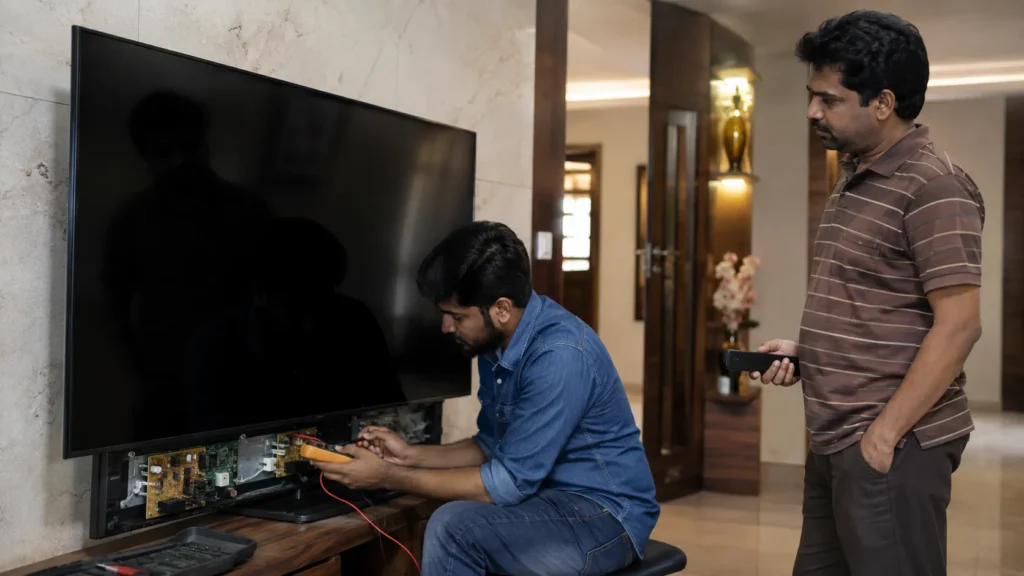
If your television suddenly becomes completely dead and you are searching for Philips TV Not Turning ON Repair Vizag, the first step is to understand whether the problem is related to the external power supply, internal power board, motherboard, backlight protection, software boot section or another internal component.
A TV that does not switch on can show different symptoms. Some Philips TVs may have no standby light at all, while others may show a red light but refuse to start. In some cases, the TV may switch on for a few seconds and then shut down again.
These symptoms can look similar even when the actual faulty section is different.
At TV Caree, we provide independent multi-brand TV repair support in Vizag for LED TV, Smart TV, Android TV and large screen television problems, including Philips TV power, display, backlight, motherboard, sound, HDMI and Smart TV issues.
For TV repair guidance, call 7207902424 or send your TV problem video on WhatsApp:
https://wa.me/917207902424
What Does “Philips TV Not Turning ON” Mean?
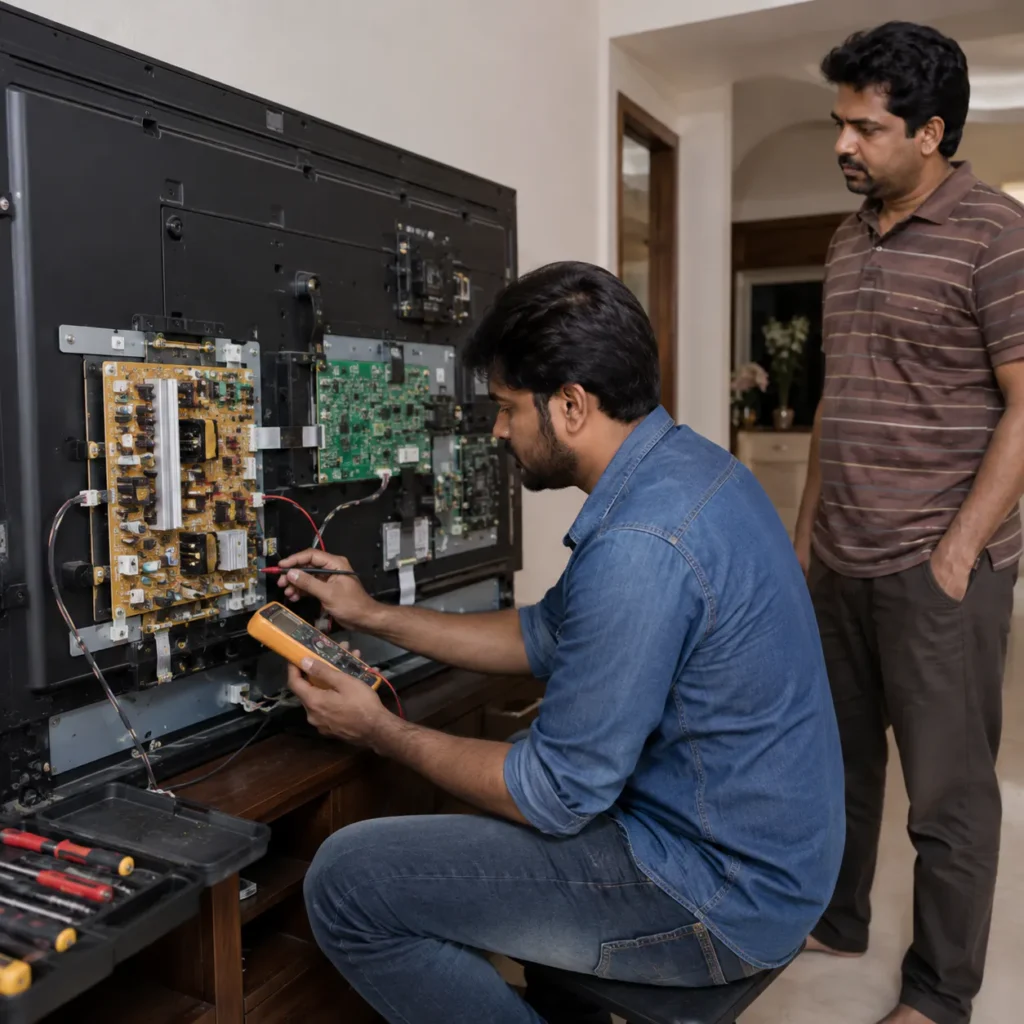
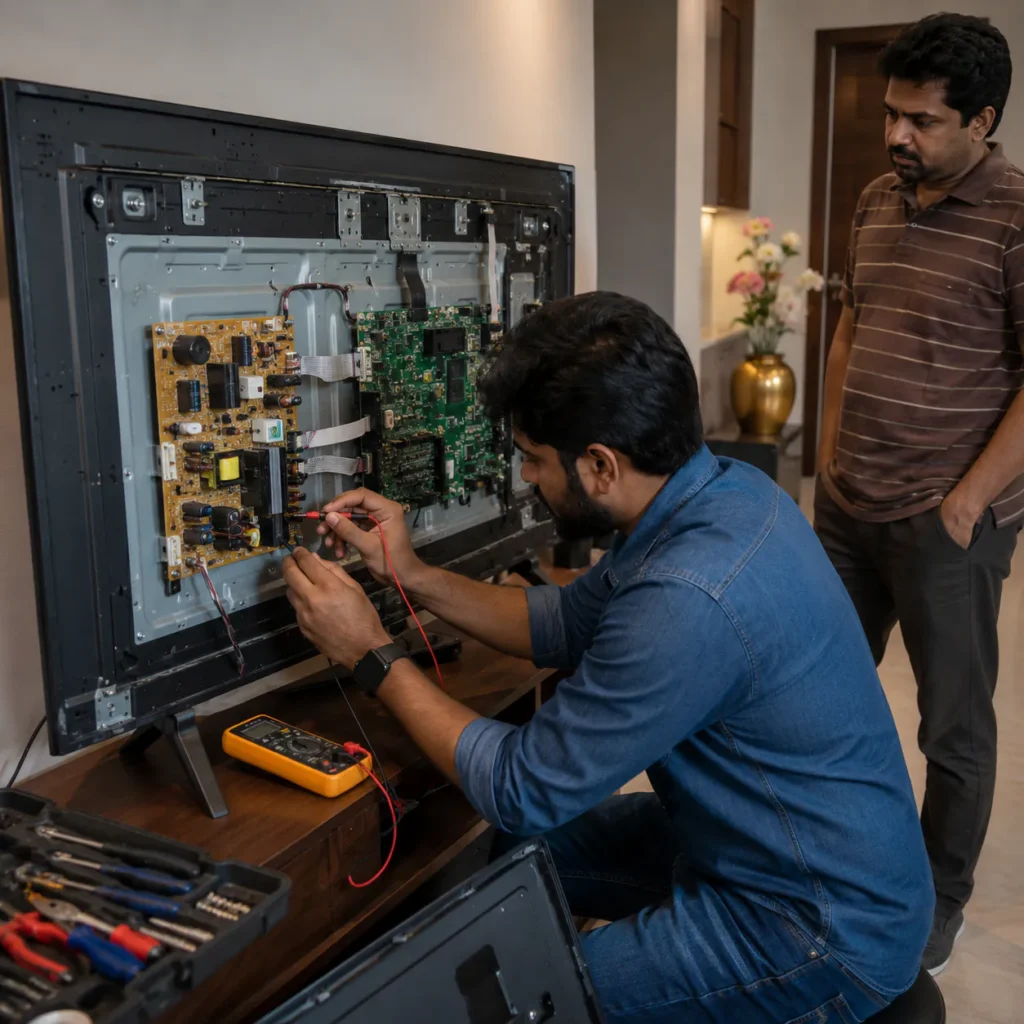
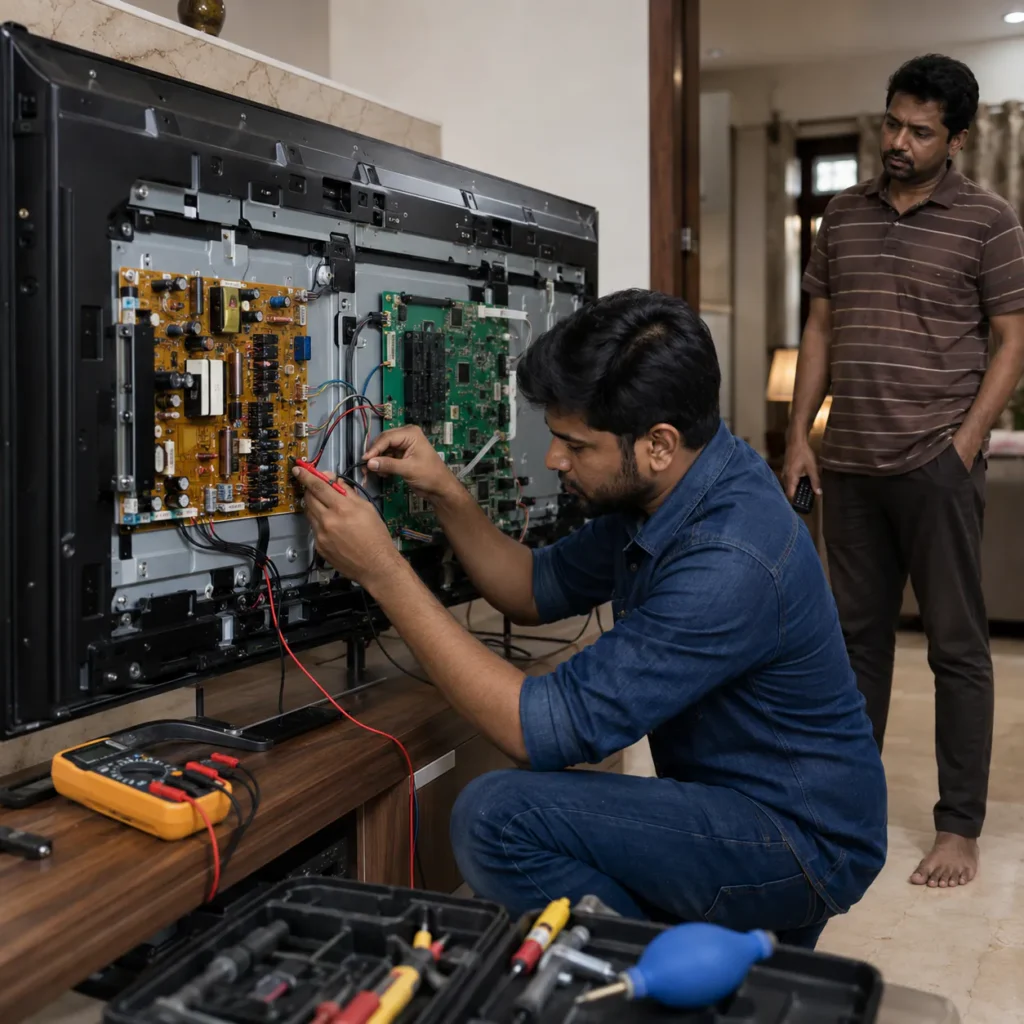
A not-turning-on problem does not always mean that the television has the same fault.
Your Philips TV may show one of these symptoms:
- No standby light
- Red standby light but no picture
- Red light blinking
- TV clicks but does not start
- TV starts and switches off immediately
- Philips logo appears and TV restarts
- Screen remains completely black
- TV does not respond to remote
- Power light works but TV does not boot
- TV repeatedly turns on and off
Each symptom gives useful information about where the problem may be located.
Customers looking for Philips TV Not Turning ON Repair Vizag should observe the standby light and record a short video before arranging repair if possible.
First Check the Power Source
Before assuming the television has an internal fault, check the basic power supply.
You can safely check:
- Whether the wall socket is working
- Whether another device works from the same socket
- Whether the TV power cable is connected properly
- Whether the extension board is working
- Whether there is a loose plug
- Whether the main switch is turned on
If the TV uses a detachable power cable and you have another compatible cable, the cable can also be checked.
Avoid opening the television during these basic checks.
If the wall socket is working correctly but the Philips TV remains completely dead, internal diagnosis may be required.
Philips TV Has No Standby Light
If your Philips TV has absolutely no standby light, the television may not be receiving or processing power correctly.
Possible areas that may need checking include:
- Power cable
- Internal fuse
- Power board
- AC input section
- Power supply components
- Shorted internal section
- Motherboard power line
A completely dead TV often requires checking the internal power supply first.
For Philips TV Power Board Repair Vizag, the technician may need to measure whether the power board is receiving AC input and generating the required output voltages.
Do not attempt these measurements yourself unless you are trained in electronics repair.
Philips TV Red Light Is ON but TV Does Not Start
If the red standby light is visible, the television is receiving at least some standby power.
However, pressing the remote or TV power button may still not start the television.
Possible causes can include:
- Motherboard boot problem
- Power board output issue
- Main board failure
- Software corruption
- Backlight protection
- Remote or button issue
- Internal communication fault
First replace or check the remote batteries.
If possible, try using the physical power button on the television.
If the standby light reacts when you press the remote but the TV still does not boot, further internal checking may be required.
Philips TV Red Light Blinking
A blinking standby light can indicate that the television is attempting to start but something is preventing normal operation.
Possible areas may include:
- Power board fault
- Motherboard issue
- Backlight protection
- Internal short circuit
- Software boot problem
- Component failure
- Voltage instability
Record a short video showing the blinking light.
If there is a repeating blink pattern, do not repeatedly switch the TV on and off trying to force it to start.
Customers searching for Philips TV Red Light Blinking Repair Vizag should share the exact behaviour because the blinking pattern can be useful during diagnosis.
Philips TV Power Board Problem
The power board is an important section inside the television.
Its job is to convert incoming AC electricity into the voltages required by the motherboard, backlight and other internal sections.
A power board problem may create symptoms such as:
- TV completely dead
- No standby light
- TV turns on and shuts down
- Clicking sound
- Standby light blinking
- Backlight not starting
- TV restarting
- Power comes after several attempts
Possible power board issues can involve:
- Fuse
- Capacitors
- MOSFETs
- Rectifier section
- Transformer section
- Voltage regulation circuit
- Backlight power supply
- Other power components
The exact component should be diagnosed before deciding whether the board needs component-level repair or replacement.
What Causes a Philips TV Power Board to Fail?
Power boards can develop problems for different reasons.
Possible factors include:
- Long-term component ageing
- Heat buildup
- Voltage fluctuation
- Surge
- Internal component failure
- Short circuit
- Dust and moisture exposure
- Other connected section drawing abnormal current
Using a suitable surge protector may help reduce some electrical risks, but no device can guarantee protection against every electrical failure.
If your TV stopped working immediately after a major power fluctuation, mention that when booking repair.
Philips TV Starts and Immediately Switches OFF
Some TVs appear to start normally but shut down after a few seconds.
The screen may briefly light up, or the logo may appear before the television switches off.
Possible causes include:
- Power board instability
- Backlight protection
- Weak LED strips
- Motherboard fault
- Internal short
- Software problem
- Overcurrent protection
This symptom should not automatically be treated as only a power board problem.
The backlight and motherboard may also need checking.
Philips TV Keeps Restarting
A television that continuously restarts can be frustrating.
The TV may:
- Show the Philips logo
- Switch off
- Restart again
- Repeat continuously
Possible causes may include:
- Software corruption
- Motherboard memory issue
- Power supply instability
- Internal storage problem
- Backlight protection
- Faulty board component
If the television repeatedly restarts, avoid unplugging and reconnecting it many times.
Record a short video from the moment the TV is switched on.
This helps explain the boot behaviour to the technician.
Philips Smart TV Stuck on Logo
If the TV powers on but remains stuck on the Philips logo, the problem may be different from a completely dead television.
Possible causes can include:
- Software boot failure
- Firmware issue
- Motherboard memory problem
- Storage corruption
- Power instability
- Main board fault
A stuck-logo problem often requires software and motherboard-related diagnosis.
Do not install random firmware downloaded from unofficial websites because incorrect firmware can create additional problems.
Does a Dead Philips TV Always Need a New Power Board?
No.
This is an important point.
A television that does not switch on may have:
- Small component failure on the power board
- Motherboard issue
- Internal fuse problem
- Backlight protection
- Short circuit
- Software-related boot problem
- External power issue
The complete power board should not automatically be replaced without diagnosis.
Depending on the exact fault and board condition, component-level repair may sometimes be possible.
In other situations, board replacement may be the practical option.
The decision depends on the television model and actual fault.
Philips TV Motherboard Problem
The motherboard controls many television functions.
It can be responsible for:
- Startup
- Display signal
- HDMI inputs
- Smart TV software
- Audio processing
- WiFi
- Remote commands
- Communication with the power board
Possible motherboard symptoms include:
- Standby light working but TV not starting
- TV stuck on logo
- Continuous restart
- HDMI ports not responding
- WiFi issues
- Apps not opening
- No picture even when backlight is working
- TV freezing
For Philips TV Motherboard Repair Vizag, proper diagnosis is required because similar symptoms may also come from the power board or other sections.
Philips TV Has Power but Black Screen
If the standby light works and the TV appears to switch on but the screen remains black, the problem may not be only the power board.
Check whether sound is working.
If there is sound but no picture, possible causes include:
- Backlight failure
- LED strip issue
- Display section problem
- Motherboard signal issue
- Backlight power supply
If neither picture nor sound is present, power, motherboard and startup sections may need checking.
A short problem video is useful for distinguishing these symptoms.
Philips TV Sound But No Picture
Sound but no picture usually means the TV has booted but the visible display is missing.
Possible causes include:
- LED backlight failure
- Weak LED strips
- Backlight driver issue
- Display connection problem
- Motherboard display output
- Panel-related issue
A flashlight test may help identify whether a faint picture is present.
If a faint picture can be seen under a flashlight, the symptom may point toward the backlight section.
However, professional checking is still required before confirming the fault.
Philips LED TV Backlight Protection and Power Problems
The backlight system and power board often work together.
If an LED strip has a fault, some TVs may enter protection mode and shut down the backlight or complete television.
This can make a backlight problem look like a power problem.
Possible symptoms include:
- TV starts and shuts down
- Backlight flashes once
- Sound works but screen goes dark
- TV repeatedly tries to start
For this reason, the technician may need to check both the power supply and backlight section rather than focusing on only one board.
Philips Smart TV WiFi and App Problems
Not every Philips Smart TV repair complaint is related to power.
If the TV turns on normally but has Smart TV problems, common issues may include:
- WiFi not connecting
- Apps not opening
- TV running slowly
- Software update problem
- Remote response delay
- TV stuck during startup
- Apps freezing
These problems may require software or motherboard-related checking.
If the television completely fails to power on, however, power and startup diagnosis becomes the first priority.
HDMI Problem After TV Powers ON
If the Philips TV starts normally but the set-top box or another device does not appear, check the HDMI system separately.
Try:
- Another HDMI cable
- Another HDMI port
- Restarting the set-top box
- Selecting the correct input
- Testing another external device
If all HDMI ports fail with known working devices, motherboard input checking may be required.
Philips LED TV Repair in Vizag
LED televisions contain several sections that can affect startup.
These include:
- Power board
- Motherboard
- Backlight
- Display section
- T-Con section
- Speakers
- HDMI inputs
A TV not turning on should be diagnosed systematically.
Customers searching for Philips LED TV Repair Vizag should avoid replacing boards based only on the visible symptom.
Philips Smart TV Repair in Vizag
Smart TVs add software, storage, WiFi and app functions to the normal television hardware.
Common Philips Smart TV complaints may include:
- TV not turning on
- TV stuck on logo
- Continuous restart
- WiFi problems
- Apps not opening
- HDMI issues
- Black screen
- Sound problems
The repair approach depends on whether the TV is completely dead, partially booting or operating with only one function failing.
What Details Should You Share Before Booking Philips TV Repair?
If you need Philips TV Not Turning ON Repair Vizag, share:
- TV brand – Philips
- Screen size
- Model number if available
- Whether standby light is visible
- Whether standby light is blinking
- What happens when power button is pressed
- Short video of the problem
- Vizag location
- Whether TV is wall-mounted
- When the problem started
- Recent voltage fluctuation history
- Whether there was burning smell or unusual noise
- Any physical or water damage
These details make the initial diagnosis discussion clearer.
How Philips TV Power Repair Support Works
Step 1: Explain the Exact Power Symptom
Tell us whether:
- TV is completely dead
- Standby light is working
- Red light is blinking
- TV starts and shuts down
- Philips logo appears
- TV continuously restarts
These differences are important.
Step 2: Share TV Size and Model
Send the model number if available.
The power board and motherboard design can vary between models.
Step 3: Send a Short Video
Record the TV from the moment you connect or switch on the power.
Show:
- Standby light
- Screen
- Any blinking
- Startup logo
- Clicking sound if present
Step 4: Share Your Vizag Location
Send your area, nearby landmark or location details.
Step 5: Get Repair Guidance
After understanding the symptom, the likely repair direction can be discussed.
Final confirmation depends on proper television diagnosis.
Philips TV Power Board Repair Cost in Vizag
There is no single fixed cost for every Philips TV power complaint.
Repair cost can depend on:
- TV model
- Screen size
- Power board condition
- Faulty component
- Motherboard involvement
- Backlight problem
- Spare part requirement
- Component-level repair requirement
- Board replacement requirement
- Repair complexity
Two televisions that both appear completely dead may have different faults.
One may have a small power supply component failure, while another may have a motherboard or broader power board issue.
Proper diagnosis helps determine the correct repair approach.
Basic Checks Before Calling a Technician
Before arranging internal repair, you can safely check:
- Wall socket
- TV plug
- Power cable
- Extension board
- Remote batteries
- Physical TV power button
If the socket works with another appliance but the television remains dead, internal diagnosis may be needed.
Do not:
- Open the TV
- Short internal fuse
- Touch capacitors
- Apply external voltage to the board
- Replace random components
TV power boards contain sections connected directly to mains electricity.
When Should You Unplug the TV Immediately?
Disconnect the TV from the power supply if:
- Burning smell is present
- Smoke appears
- Repeated electrical clicking occurs
- Sparks are visible
- Water entered the television
- TV repeatedly switches on and off rapidly
- Power plug or cable becomes unusually hot
Avoid repeatedly trying to restart the television in these situations.
Avoid DIY Power Board Repair
TV power supply repair involves mains electricity and components that can retain electrical charge.
It is not a suitable DIY repair for someone without electronics training.
Opening the back panel also exposes:
- Power board
- Motherboard
- Backlight connectors
- Display connections
- High-voltage areas
- Fragile internal cables
Basic external checks are fine, but internal power-board diagnosis should be handled carefully.
Philips TV Repair Areas in Vizag
TV Caree provides independent multi-brand television repair support across Visakhapatnam areas including:
- Seethammadhara
- MVP Colony
- Madhurawada
- Gajuwaka
- Akkayyapalem
- Dwaraka Nagar
- Maddilapalem
- PM Palem
- Kommadi
- Yendada
- Rushikonda
- NAD
- Gopalapatnam
- Marripalem
- Simhachalam
- Other nearby Vizag locations
Share your exact location when contacting us for repair guidance.
Why Choose TV Caree for Philips TV Repair in Vizag?
TV Caree focuses on understanding the actual television symptom before deciding whether the power board, motherboard, backlight or another section needs attention.
Support includes:
- Independent multi-brand TV repair
- Philips LED TV power issue checking
- Philips Smart TV repair support
- TV completely dead diagnosis
- Red light blinking issues
- Power board problem checking
- Motherboard issue support
- Auto restart problems
- Stuck logo complaints
- Black screen and backlight issues
- HDMI problems
- WiFi and Smart TV issues
- WhatsApp issue video guidance
The goal is to identify the actual fault instead of assuming every dead television requires complete power board replacement.
Internal Links
TV Caree – Multi-Brand TV Repair in Vizag:
https://www.tvcaree.in/
Onida TV No Display Repair Vizag:
https://www.tvcaree.in/onida-tv-no-display-repair-vizag/
Onida TV Sound Repair Vizag:
https://www.tvcaree.in/onida-tv-sound-repair-vizag/
TV Repair Vizag – TV Issue Repair Guide:
https://www.tvrepairsvizag.in/
TV Repair Near Me Vizag:
https://www.tvrepairsvizag.in/tv-repair-near-me-vizag/
Doorstep TV Repair Vizag:
https://www.tvrepairsvizag.in/doorstep-tv-repair-vizag/
TV Backlight Repair in Vizag:
https://www.tvrepairsvizag.in/tv-backlight-repair-in-vizag/
External Links
Bureau of Indian Standards:
https://www.bis.gov.in/
National Consumer Helpline:
https://consumerhelpline.gov.in/
FAQs About Philips TV Not Turning ON Repair Vizag
1. Why is my Philips TV not turning on?
A Philips TV may fail to turn on because of the power board, motherboard, internal power supply, software boot section, backlight protection or another internal fault. Proper checking is required to identify the exact cause.
2. Why does my Philips TV have no standby light?
No standby light may indicate a power supply, power board, internal fuse, input power or related internal fault. First confirm that the wall socket and power cable are working.
3. Why is the red light on but my Philips TV will not start?
If standby power is available but the TV does not boot, possible causes include motherboard, power board output, software, backlight protection or internal communication problems.
4. Why is my Philips TV red light blinking?
A blinking standby light may occur when the TV detects an internal fault or cannot complete startup. Power board, motherboard, backlight or other internal sections may need checking.
5. Does a dead Philips TV always need a new power board?
No. The issue may be a smaller power component fault, motherboard problem, internal short, backlight protection or another section. Diagnosis should come before complete board replacement.
6. Why does my Philips TV turn on and immediately switch off?
Possible causes include unstable power supply, backlight protection, weak LEDs, motherboard problems or an internal short. Technician checking is needed to confirm the reason.
7. Why does my Philips Smart TV stay stuck on the logo?
A stuck-logo problem may be related to software, firmware, internal storage, motherboard memory or power instability.
8. What details should I send before booking Philips TV repair?
Share your Philips TV screen size, model number if available, standby light behaviour, exact power symptom, short issue video and Vizag location.
9. Can Philips TV power board repair cost be confirmed over the phone?
A video can help understand the symptom, but final cost depends on the actual faulty component, TV model, board condition, parts requirement and repair complexity.
10. Is TV Caree an authorized Philips service center?
No. TV Caree provides independent multi-brand TV repair support and does not claim to be an official authorized Philips service center.
Final Words
If your television is completely dead, has no standby light, shows a blinking red light, starts and shuts down, keeps restarting or refuses to boot and you are searching for Philips TV Not Turning ON Repair Vizag, avoid assuming that the entire power board needs replacement before proper diagnosis.
A power-related symptom can come from the power board, motherboard, backlight protection, software boot section or another internal component.
Call: 7207902424
WhatsApp: https://wa.me/917207902424
Website: https://www.tvcaree.in/
Conclusion
For customers searching for Philips TV Not Turning ON Repair Vizag, observing the exact startup behaviour is the most useful first step.
Check whether the standby light is present, whether it blinks, whether the TV responds to the remote, and whether the logo appears before shutdown. These symptoms help distinguish between a completely dead power supply and a television that receives power but cannot complete startup.
TV Caree provides independent multi-brand support for Philips LED TV and Smart TV problems, including power board faults, motherboard symptoms, red light blinking, auto restart, black screen, backlight failure, HDMI problems and Smart TV issues across Vizag.
For Philips TV power repair guidance, call 7207902424 or send your TV issue video on WhatsApp:
https://wa.me/917207902424