
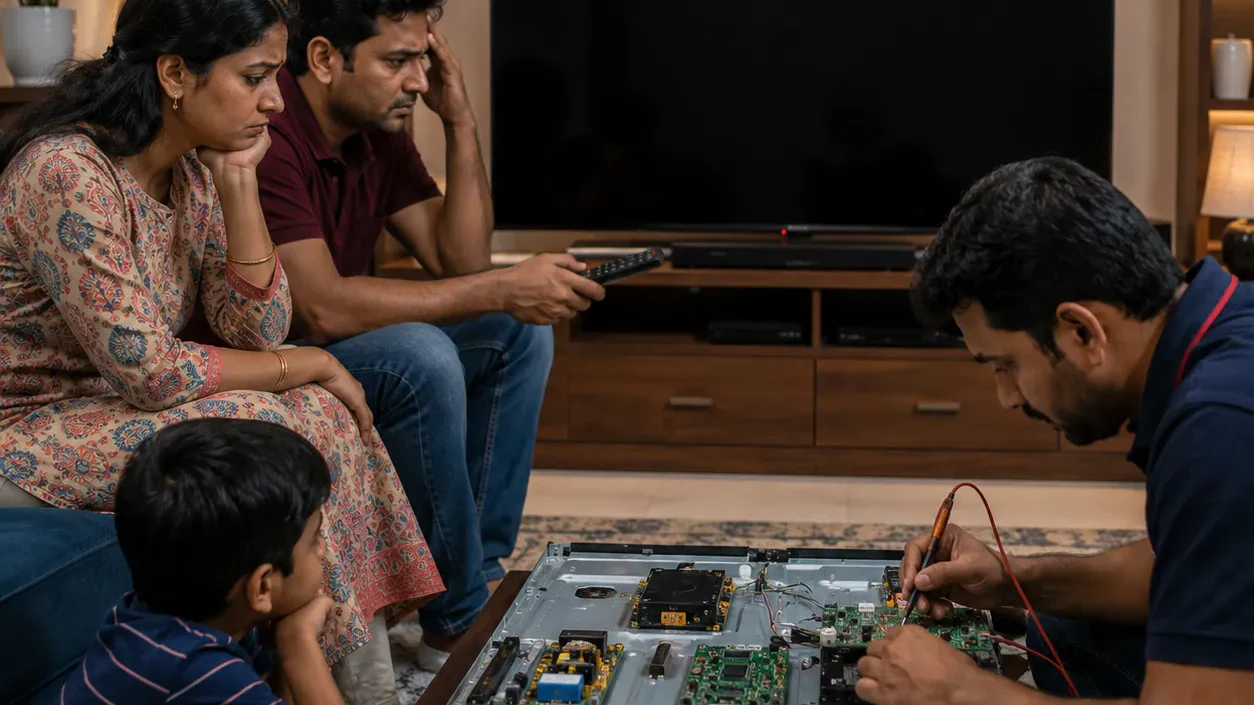
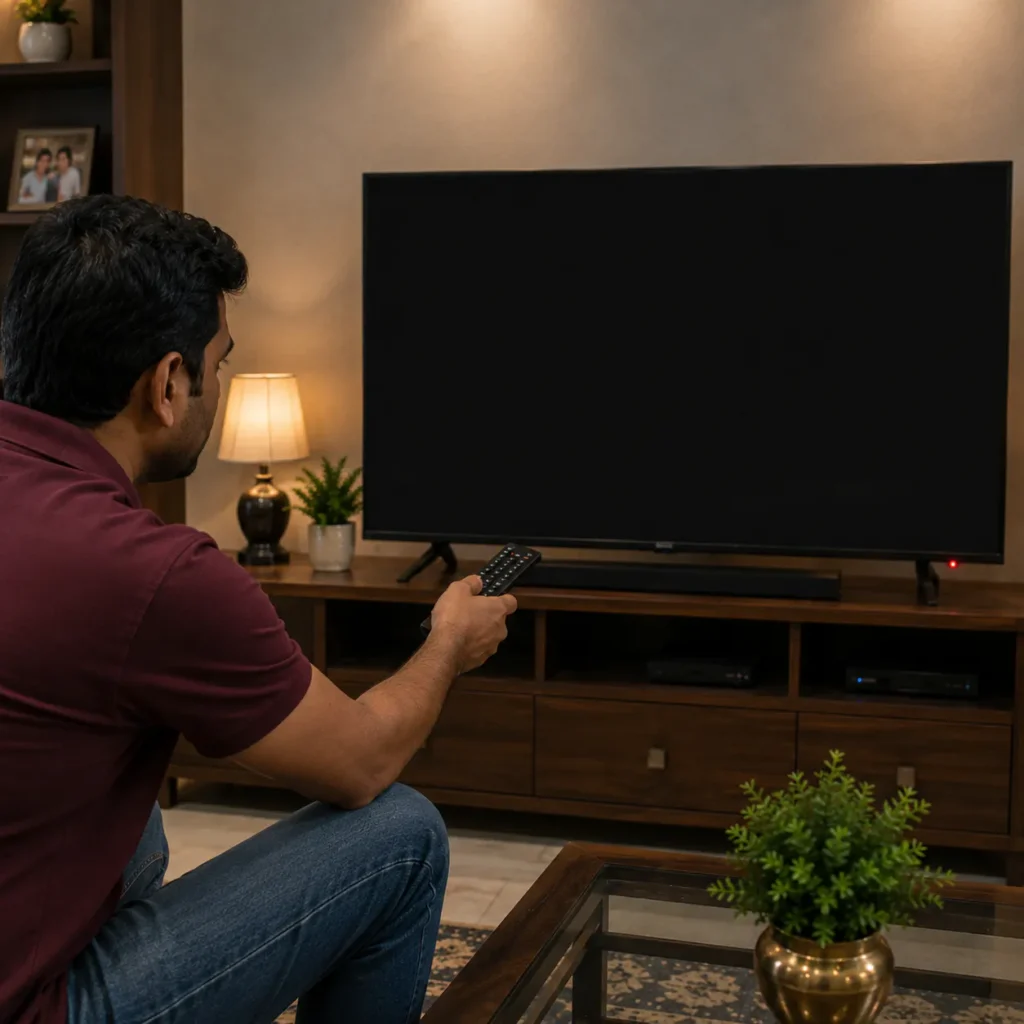
If your Samsung TV is not turning ON and the screen stays completely black, it can become stressful and confusing. Many Samsung Smart TV users in Vizag face this issue in LED TVs, Crystal UHD TVs, OLED TVs, QLED TVs, and Android Smart TVs. Sometimes the TV shows only a blinking red light, while in other cases the TV remains fully dead without any display or sound.
This issue is commonly searched as Samsung TV Not Turning ON Vizag because many users want to know whether the problem is caused by power supply failure, motherboard issue, backlight damage, or software problems.
కొన్ని సార్లు ఇది simple power reset తో solve అవుతుంది. కానీ చాలా cases లో motherboard, power board, backlight, or voltage fluctuation వల్ల Samsung TV ON కాకపోవచ్చు.
In this complete guide, you will learn:
when to contact Samsung TV repair technicians in Vizag
- why Samsung TVs fail to turn ON
- common causes
- quick troubleshooting methods
- repair solutions
- repair cost idea
- prevention tips
- when to contact Samsung TV repair technicians in Vizag
## Why Samsung TV Is Not Turning ON?
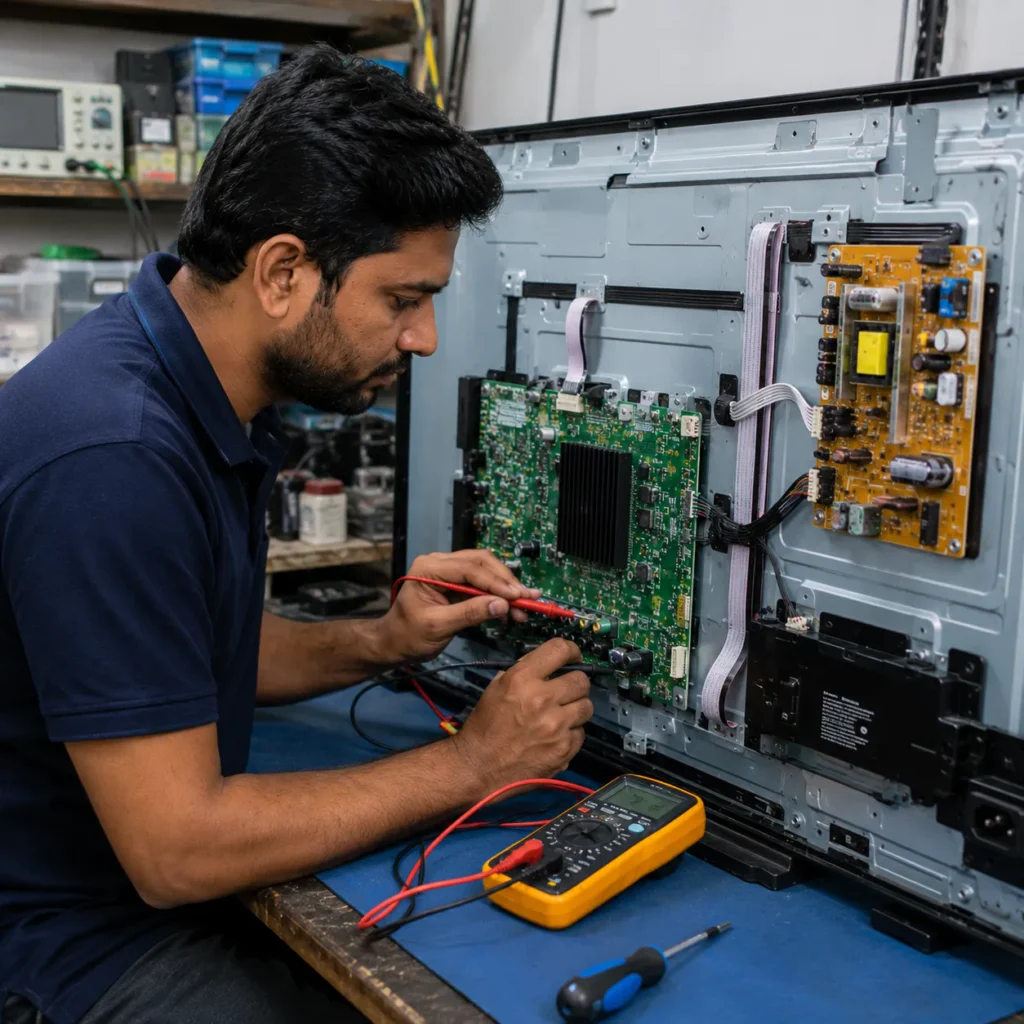
Modern Samsung Smart TVs depend on multiple internal systems:
- motherboard
- power supply board
- display circuits
- backlight system
- Smart TV software
If any of these systems fail, the TV may stop turning ON properly.
Common symptoms include:
- black screen
- blinking red standby light
- TV restarting repeatedly
- clicking sound
- logo appearing and disappearing
- no sound and no display
- TV dead completely
These issues are commonly seen in:
- Samsung LED TVs
- Samsung Smart TVs
- Samsung Crystal UHD TVs
- Samsung QLED TVs
- Samsung OLED TVs
## 1. Samsung TV Power Supply Board Problem
One of the most common reasons behind Samsung TV Not Turning ON Vizag is power supply board failure.
The power board distributes voltage to all TV components. If it becomes damaged:
- TV may stay dead
- standby light may blink
- startup process may fail
Power board problems usually happen because of:
- voltage fluctuation
- overheating
- capacitor failure
- lightning damage
Common Symptoms
- TV completely dead
- no standby light
- clicking sound from inside TV
- TV turning OFF automatically
కొన్ని Samsung TVs లో power board issue వల్ల TV ON అవుతున్నట్టు కనిపించి వెంటనే OFF అవుతుంది.
To understand power fluctuation effects on electronics, read: Voltage variation
## 2. Samsung TV Motherboard Failure
The motherboard controls:
- startup process
- display signals
- software communication
- WiFi & Smart TV features
If motherboard ICs become damaged:
- TV may not boot
- logo may freeze
- TV may restart continuously
- remote may stop responding
Voltage fluctuation and overheating are major causes.
👉 Related internal link: Samsung TV Repair in Vizag
You may also need: TV Motherboard Repair in Vizag
## 3. Samsung TV Backlight Failure
In many Samsung LED TVs and Smart TVs, backlight damage can make the screen appear completely black even though the TV is internally ON.
Common signs:
- sound available but no display
- faint image visible with torch
- screen flashes for 1 second
- standby light normal but no picture
👉 Related internal link: TV Backlight Repair in Vizag
## 4. Samsung Smart TV Software Issue
Smart TVs rely heavily on firmware and software systems. If firmware becomes corrupted:
- TV may get stuck on logo
- restart automatically
- fail to boot completely
Software issues usually happen because of:
- interrupted updates
- corrupted apps
- low storage
- internet interruption during update
ఇది mostly Samsung Smart TVs లో common issue.
👉 Related internal link: Smart TV Repair in Vizag
## 5. Voltage Fluctuation Problem
Sudden power changes are very common in many areas. Voltage fluctuation can damage:
- motherboard circuits
- power supply board
- display ICs
If your Samsung TV stopped turning ON after:
- power cut
- lightning
- inverter issue
then internal board inspection is important.
Prevention Tips
- use stabilizer
- avoid cheap extension boards
- unplug TV during storms
## 6. HDMI or External Device Conflict
Sometimes external devices create startup conflicts.
Possible devices:
- set-top box
- gaming console
- soundbar
- USB devices
Quick Fix
Disconnect all external devices and restart the TV.
## 7. Overheating & Dust Accumulation
Long-term usage without ventilation may cause:
- overheating
- motherboard stress
- automatic shutdown
Dust accumulation inside TVs may also affect cooling systems.
Quick Tips
- keep proper airflow
- avoid closed cabinets
- clean dust regularly
చిన్న maintenance వల్ల TV life improve అవుతుంది.
## Quick Fixes for Samsung TV Not Turning ON
Before calling a technician, try these safe troubleshooting steps.
Step 1: Power Reset
- Switch OFF TV
- Remove power cable
- Wait 5–10 minutes
- Hold power button for 30 seconds
- Reconnect TV
This clears temporary power errors.
Step 2: Check Power Socket
Use another wall socket and check:
- cable condition
- loose connections
- extension board problems
Step 3: Remove External Devices
Disconnect:
- HDMI cables
- USB devices
- gaming console
Then restart the TV.
Step 4: Check Standby Light
If standby light is blinking continuously, internal board issue may exist.
Step 5: Avoid Repeated Restart Attempts
Don’t continuously force restart the TV. This may increase motherboard damage.
## Why Samsung TV Problems Increase Over Time
Many users ignore small startup issues initially. Over time:
- motherboard damage increases
- power circuits weaken
- overheating worsens
- repair cost becomes higher
Early diagnosis can prevent major component failure.
## Can Samsung TV Not Turning ON Problem Be Repaired?
Yes, many Samsung TV Not Turning ON Vizag issues are repairable.
Repair depends on:
- motherboard condition
- power board status
- backlight health
- software issue severity
Minor power problems usually cost less compared to motherboard replacement.
## Professional Samsung TV Repair Service in Vizag
Professional TV technicians can diagnose:
- motherboard issues
- power board failure
- backlight damage
- Smart TV software problems
Most technicians provide doorstep Samsung TV repair support across Vizag.
👉 For complete support visit: TV Repair Vizag
## Samsung TV Repair Cost in Vizag
Repair cost depends on:
- TV model
- TV size
- motherboard damage
- power board condition
- spare parts required
Simple software or power fixes may cost less, while motherboard repairs may cost more.
Proper inspection is necessary before final pricing.
## Related TV Repair Services in Vizag
You may also need:
- Smart TV Repair in Vizag
- TV Backlight Repair in Vizag
- TV Display Repair in Vizag
- TV Motherboard Repair in Vizag
These internal links improve SEO structure and topical authority.
## FAQs
1. Why is my Samsung TV not turning ON?
This may happen because of motherboard failure, power supply issue, backlight damage, or software corruption.
2. Can Samsung TV power problems be repaired?
Yes, many Samsung TV power issues are repairable after proper diagnosis.
3. Why is Samsung TV showing black screen?
Backlight failure or motherboard issues commonly cause black screen problems.
4. Does voltage fluctuation damage Samsung TVs?
Yes, sudden power changes can affect internal TV circuits.
5. Do you provide doorstep Samsung TV repair in Vizag?
Yes, doorstep Samsung TV repair support is available across major Vizag areas.
## Conclusion
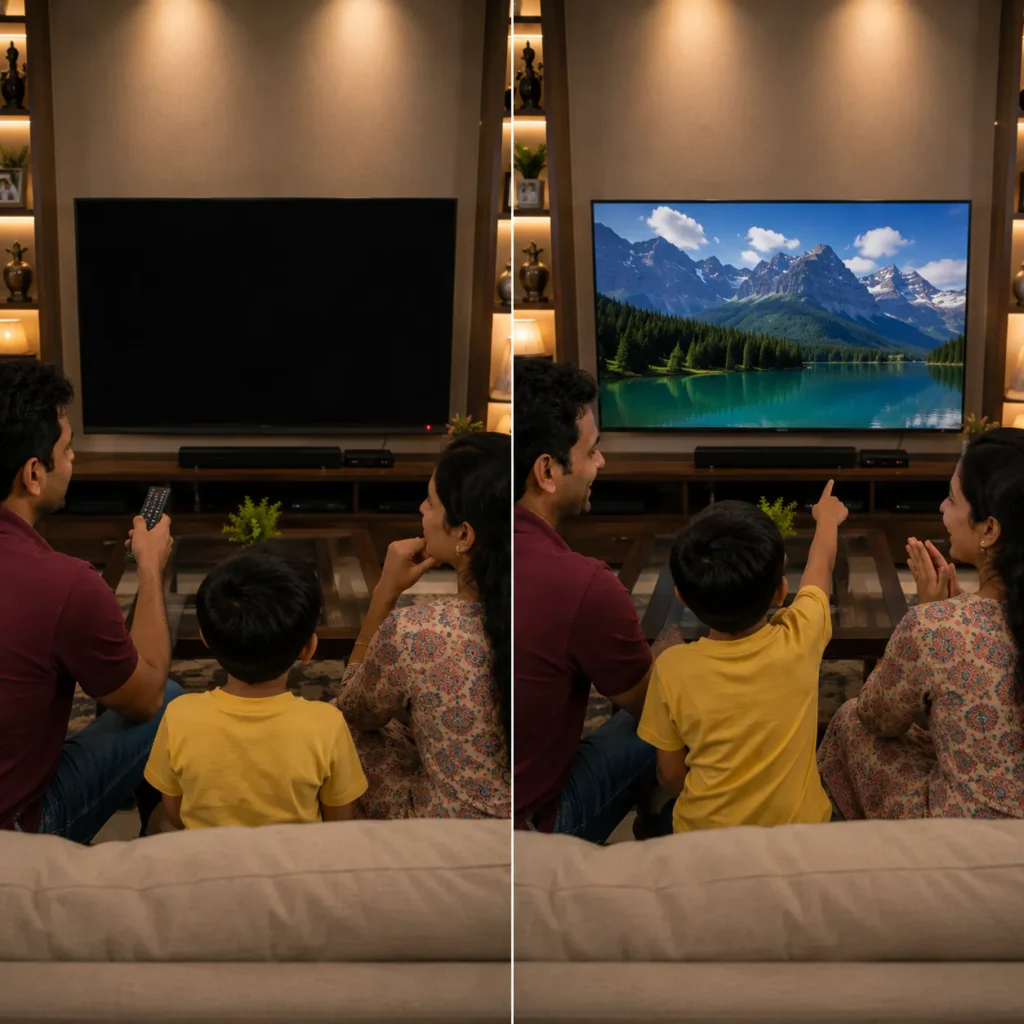
If your Samsung TV is not turning ON, don’t panic and don’t repeatedly restart it. Many startup issues are repairable through proper diagnosis and professional repair support. Whether the issue is related to motherboard, power board, backlight, or software system, experienced TV repair technicians in Vizag can help restore your Samsung TV safely.
For fast support with Samsung TV Not Turning ON Vizag, choose experienced technicians who provide reliable doorstep TV repair service across Vizag.
📞 Need Samsung TV Repair in Vizag?
Get fast doorstep support for:
- Samsung TV power issues
- black screen problems
- motherboard repair
- backlight repair
- Smart TV software issues
👉 Call now for professional Samsung TV repair service across Vizag.